Trading Basics
Market Overview
Each market on Oyrade is built around a specific question with a clear Yes or No outcome. The market page displays live probabilities, a historical forecast chart, and all the details you need before entering a position.
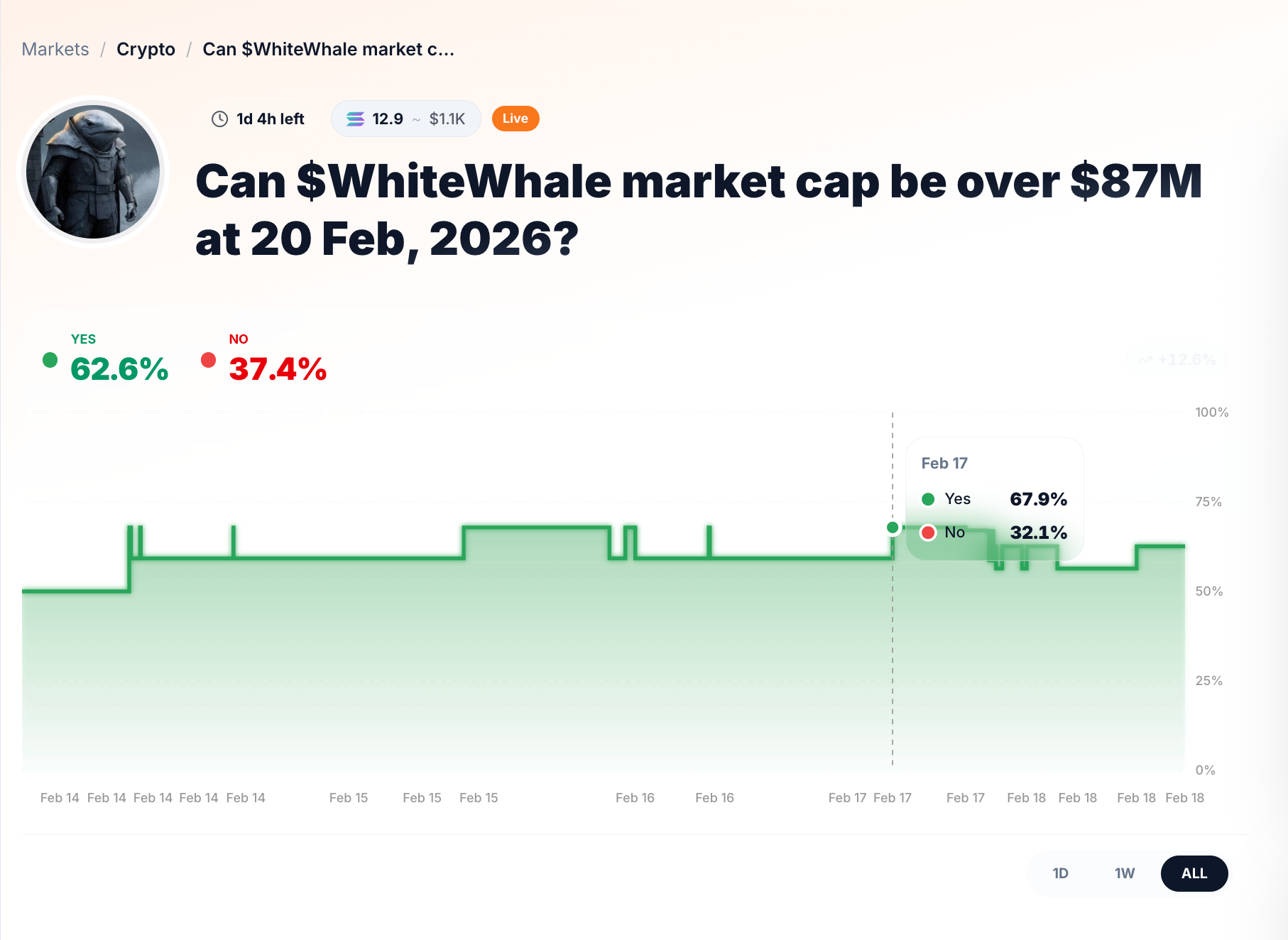
- Market Question — The title defines the exact condition being predicted (e.g., "Can $WhiteWhale market cap be over $87M at 20 Feb, 2026?").
- Yes / No Probability — The current implied probability for each outcome, updated in real time as trades occur.
- Forecast Chart — A visual timeline showing how the market's implied probability has shifted over time. You can toggle between 1D, 1W, 1M, and ALL timeframes.
Rules & Expiration
Every market has a transparent set of rules that define when trading starts, when it expires, and how the outcome is determined.
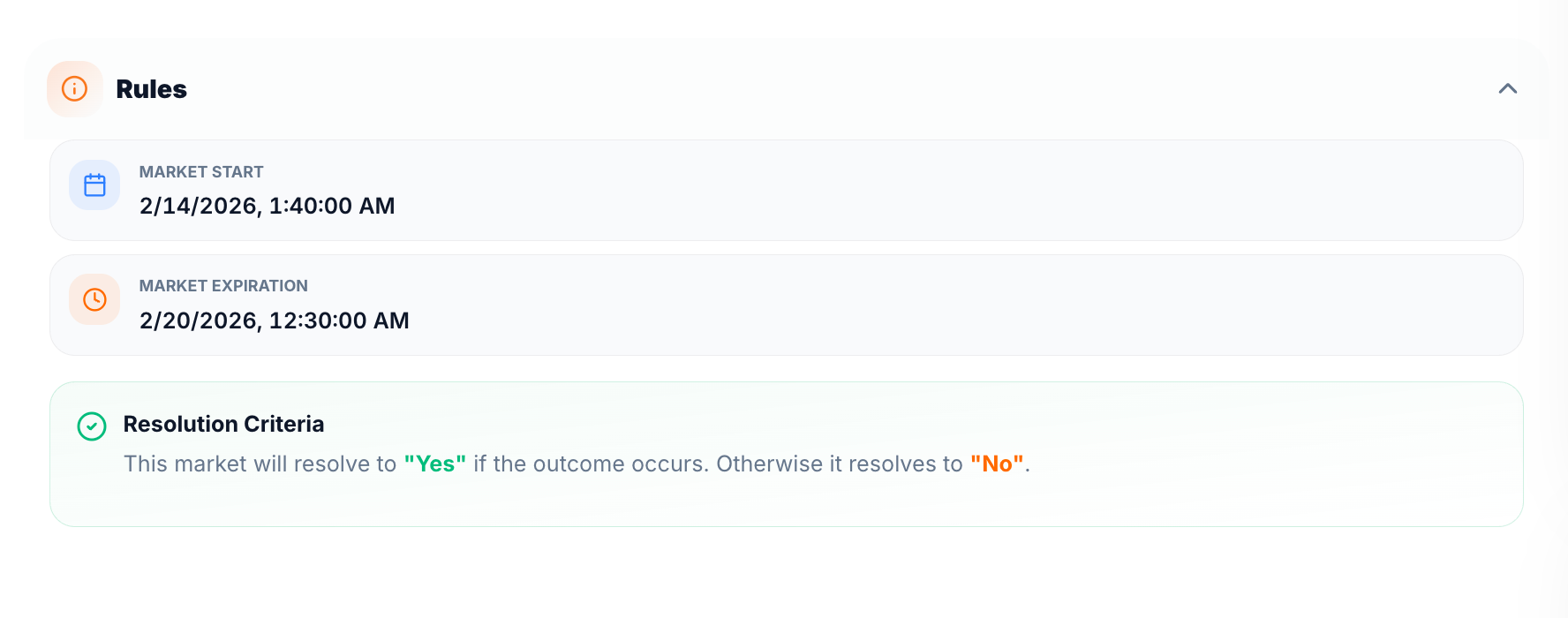
- Market Start — The date and time when trading opens.
- Market Expiration — The date and time when trading stops and the outcome is finalized.
- Resolution Criteria — The specific condition that determines whether the market resolves to "Yes" or "No".
Oracle Resolution
For markets that use automated resolution (such as crypto price or market cap markets), the Oracle Resolution section shows exactly how the outcome will be determined on-chain.
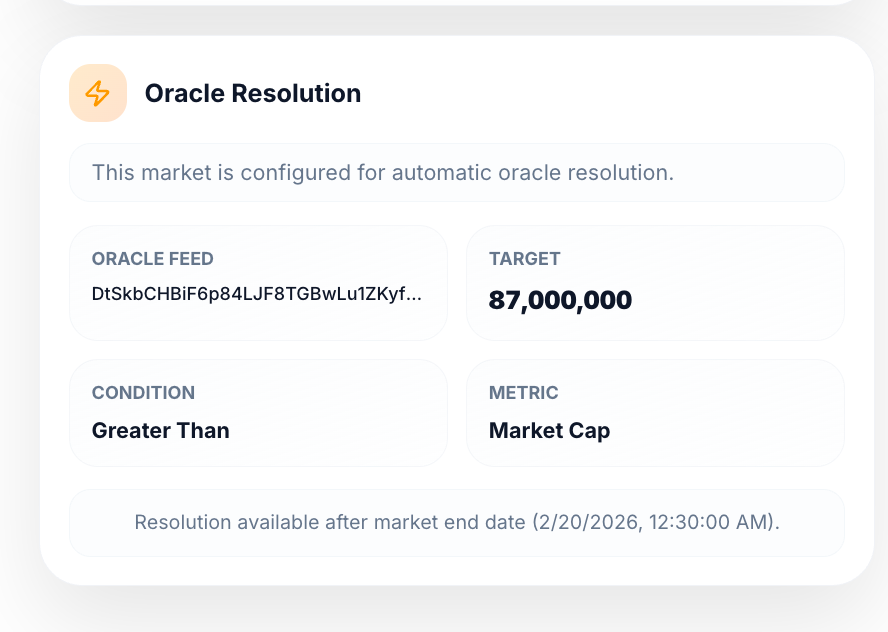
- Oracle Feed — The on-chain data source (e.g., Switchboard V3) used to fetch the final value.
- Target — The threshold value the outcome is measured against.
- Condition — The comparison logic (e.g., Greater Than, Less Than).
- Metric — The type of data being evaluated (e.g., Market Cap, Price).
Resolution becomes available automatically after the market end date.
Comments
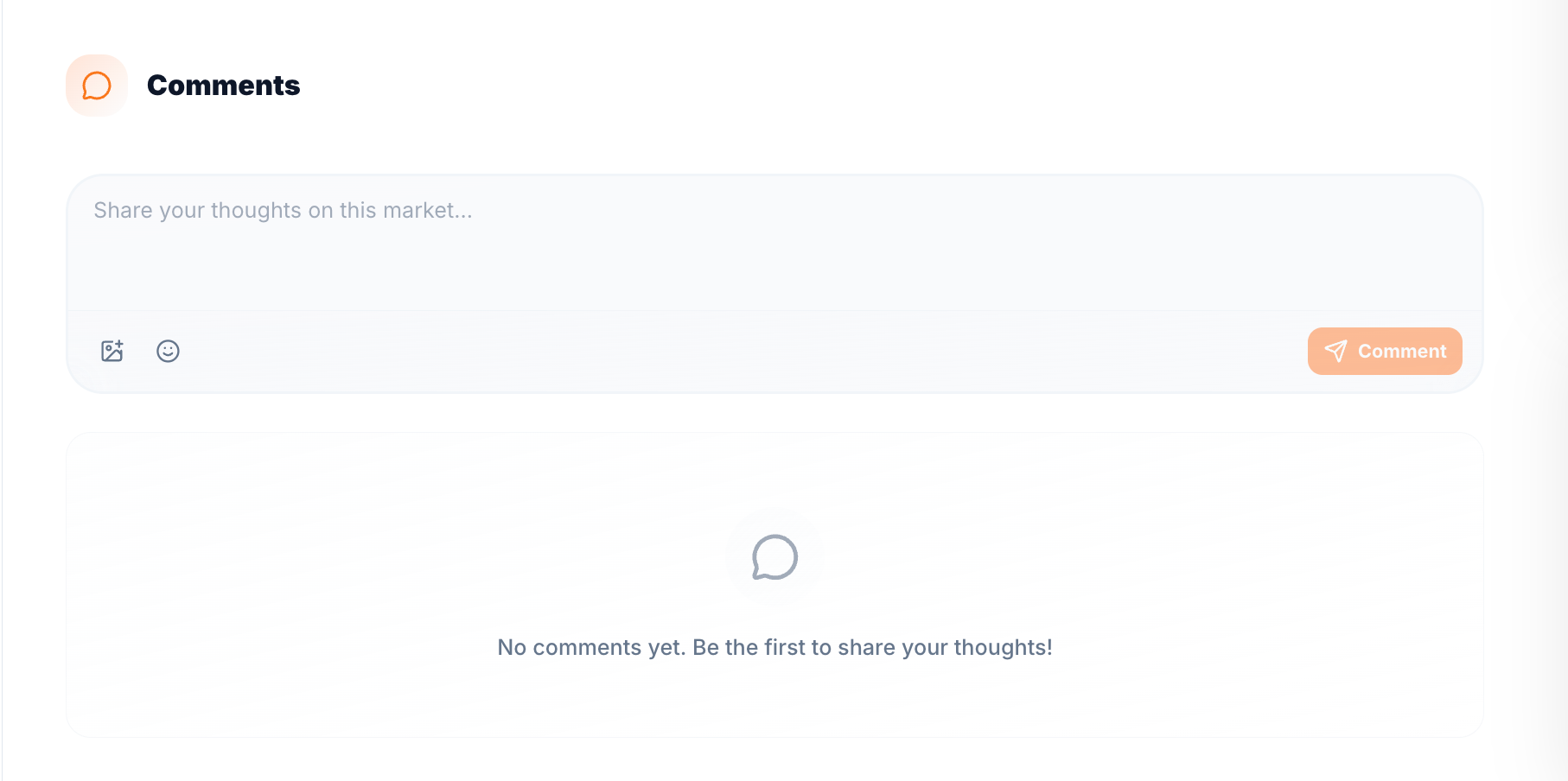
Each market has a comments section where participants can share analysis, discuss the event, and exchange views before making a prediction.
Providing Liquidity
When you place a limit order instead of executing immediately at the current market price, you are contributing liquidity to the market.
A limit order specifies:
- The price at which you are willing to buy or sell Outcome Shares
- The quantity you are prepared to transact
Your order remains visible in the market depth until another participant accepts that price. By doing so, you:
- Increase available volume at a specific price level
- Help narrow the spread between bids and asks
- Improve execution quality for other participants
Providing liquidity strengthens overall market stability. When more users contribute resting orders, pricing becomes more efficient and less volatile, particularly in active prediction markets.
On Oyrade, liquidity provision supports:
- Smoother entry and exit for Yes/No positions
- Reduced price impact for larger trades
- More reliable implied probability signals
Example on Oyrade:
Assume a market displays:
- Highest bid: 0.54
- Lowest ask: 0.56
Instead of buying immediately at 0.56, you place a limit buy at 0.55 for 200 Outcome Shares.
Your order now sits between the existing bid and ask:
- If another participant accepts 0.55, your order fills.
- Your order reduces the spread from 0.02 to 0.01.
- The market becomes more efficient for subsequent participants.
By placing this order, you are not only positioning for a better entry price, but also actively improving liquidity conditions within that Oyrade market.