Managing Positions
Once your order is confirmed, your position becomes active and can be monitored or adjusted at any time before market expiry. Oyrade provides a dedicated portfolio interface where you can track performance, manage exposure, and review past activity.
You can manage your positions by clicking the Portfolio Page in the navigation bar on the left side of your screen.
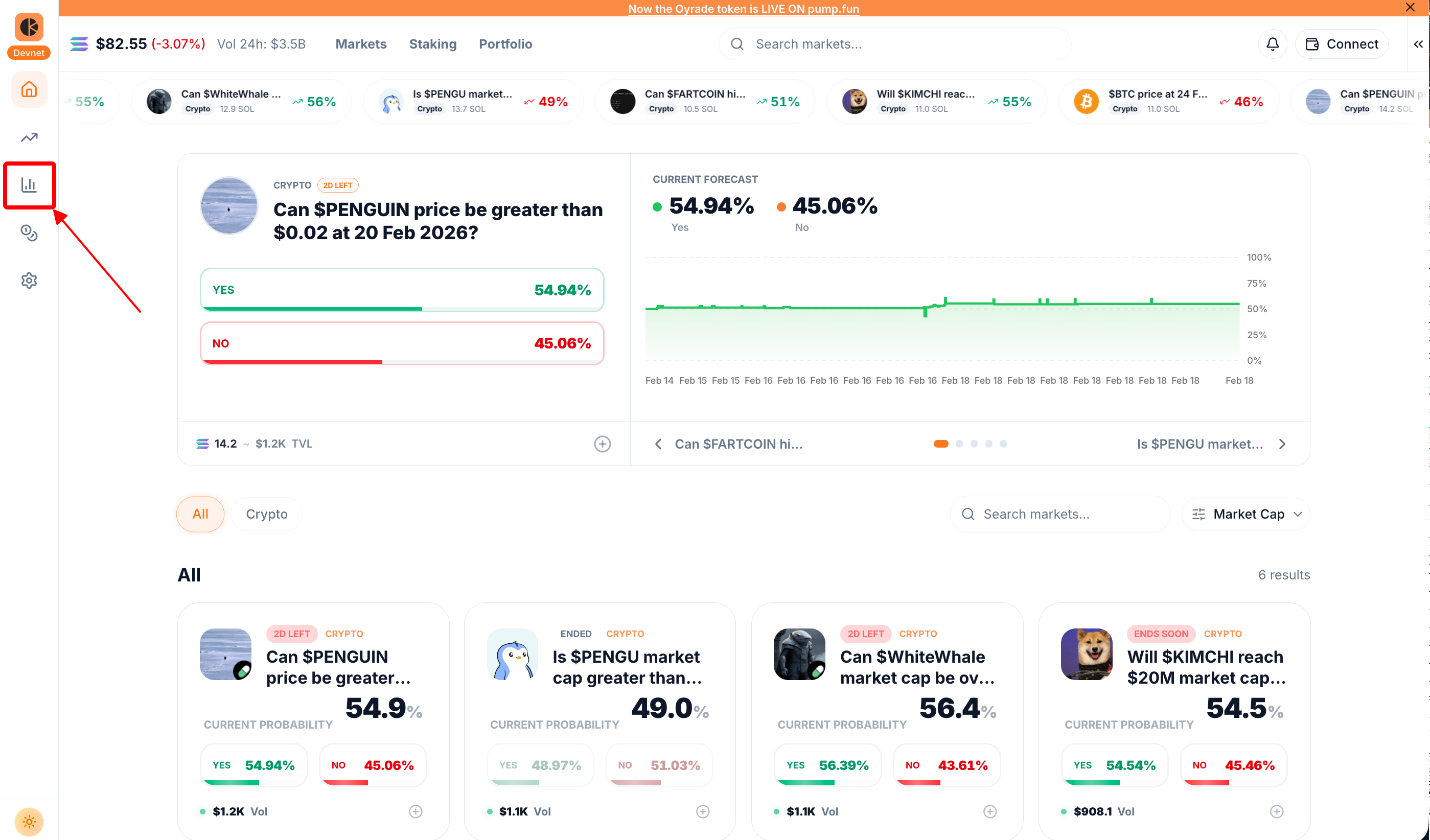
Portfolio Page
The Portfolio Page gives you a complete overview of your trading activity and account performance.
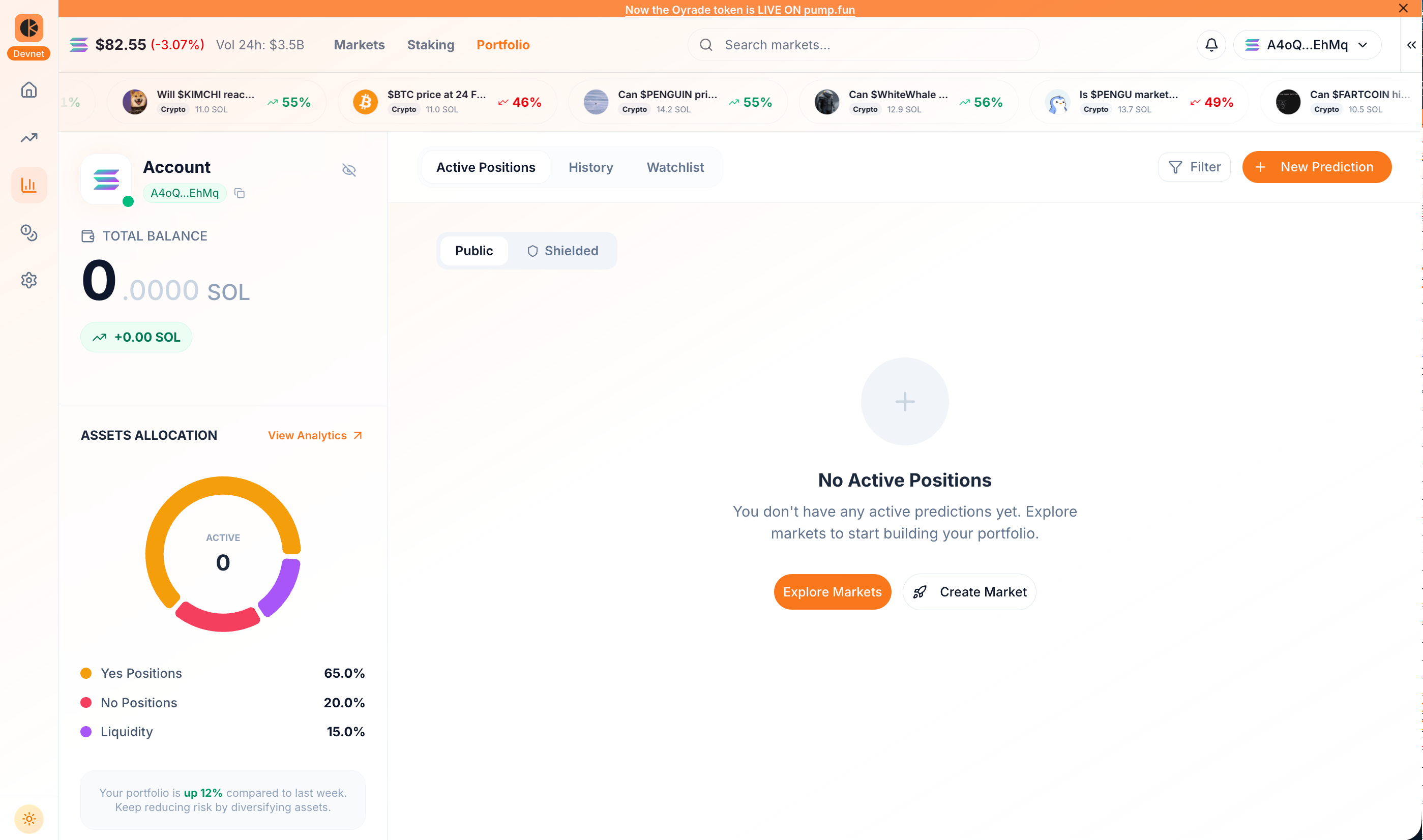
Active Positions
This section lists every position that is currently open, showing the key details needed to monitor exposure in real time.
- Outcome selected (Yes/No) and market name
- Shares held and entry price
- Current implied probability / current price
- Current position value and unrealized result
- Action options to reduce, close, or adjust the position
History
This section stores your completed activity so you can review results and measure performance over time.
- Resolved markets and closed positions
- Entry and exit pricing details
- Realized profit or loss per position
- Final outcome status (win/loss) and settlement record
- Time-based reference for tracking performance trends
Watchlist
This section keeps markets you are monitoring without entering a position yet, so you can follow movement before deciding to participate.
- Saved markets for quick access
- Live probability and price movement tracking
- Expiry visibility for timing entry decisions
- Simple comparison across multiple markets
Other Tracking Data
The Portfolio Page also provides summary metrics:
- Total Balance - Your overall account value across all assets.
- Invested - Total capital currently allocated to open positions.
- Win Rate - Percentage of resolved positions that ended in your favor.
- Asset Allocation - Breakdown of capital distribution across different markets or positions.
These metrics help you evaluate risk exposure, performance trends, and overall strategy.